
FIFA CALENDAR WORLD CUP 2026
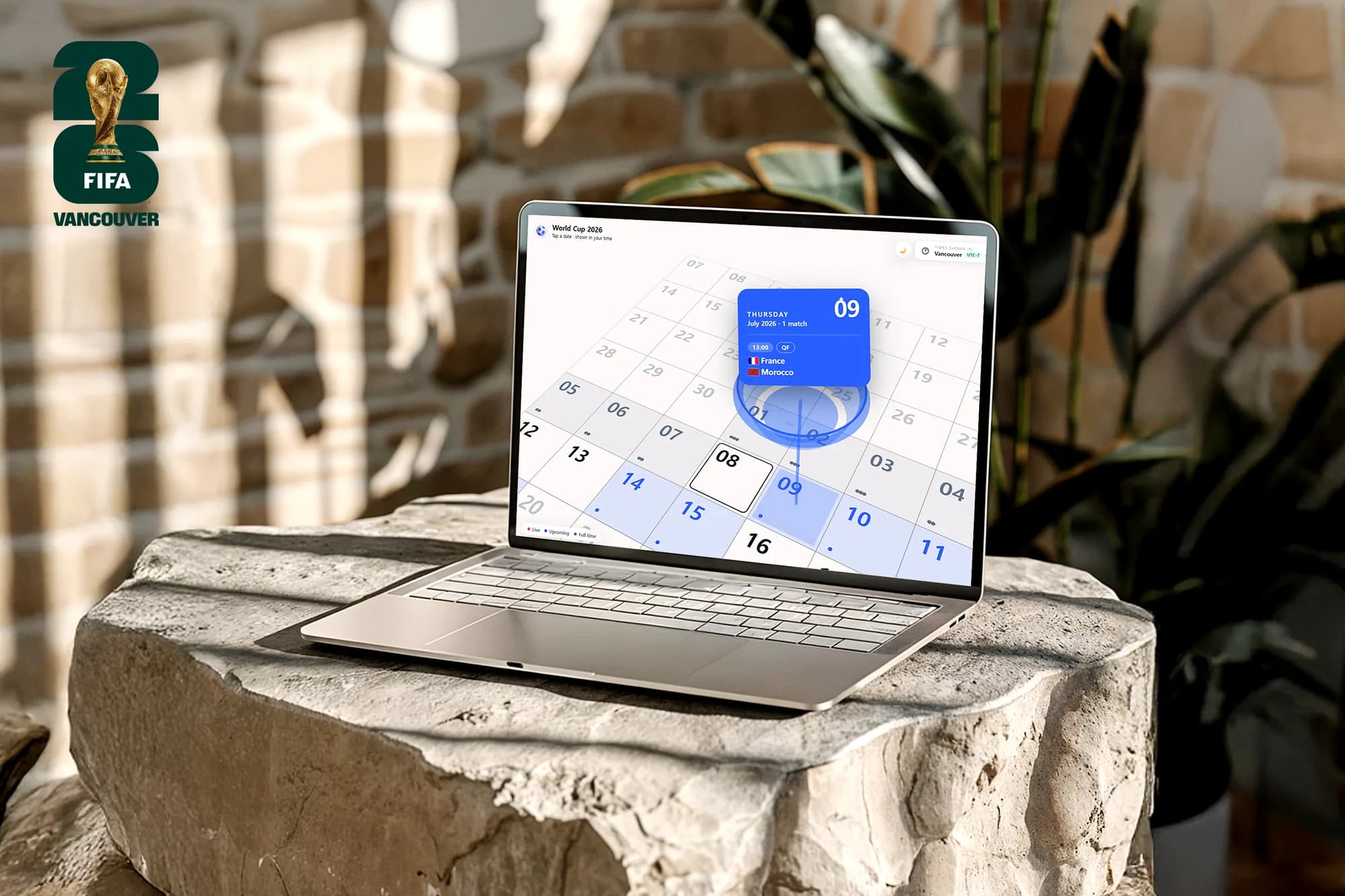
FIFA Calendar is a 3D World Cup calendar that automatically converts every 2026 match into the viewer's local time. Originally created as Vancouver FIFA Map, a 3rd-place hackathon project with Jess, it later evolved into a solo redesign inspired by the real challenges I experienced while following the tournament from a different time zone.
The Problem
Watching the World Cup from a different time zone introduced a surprisingly simple problem: every match required a mental time conversion. Because kickoff times often crossed midnight, even the match date changed, making it easy to miss games or confuse schedules when talking with friends abroad.
Beyond time zone conversion, I wanted a clearer overview of the tournament itself—a single view where every match, date, and stadium could be understood at a glance, without endless scrolling.
Since the World Cup is a global event, localization became a core part of the experience. Every fixture is automatically converted to the viewer's local time, so the schedule is instantly understandable without changing settings or doing time-zone math.
The Solution
The calendar presents the entire tournament in a single, easy-to-scan view with a subtle 3D perspective. Instead of navigating through individual match pages, users can see every fixture at a glance, with kickoff times automatically converted to their local time.
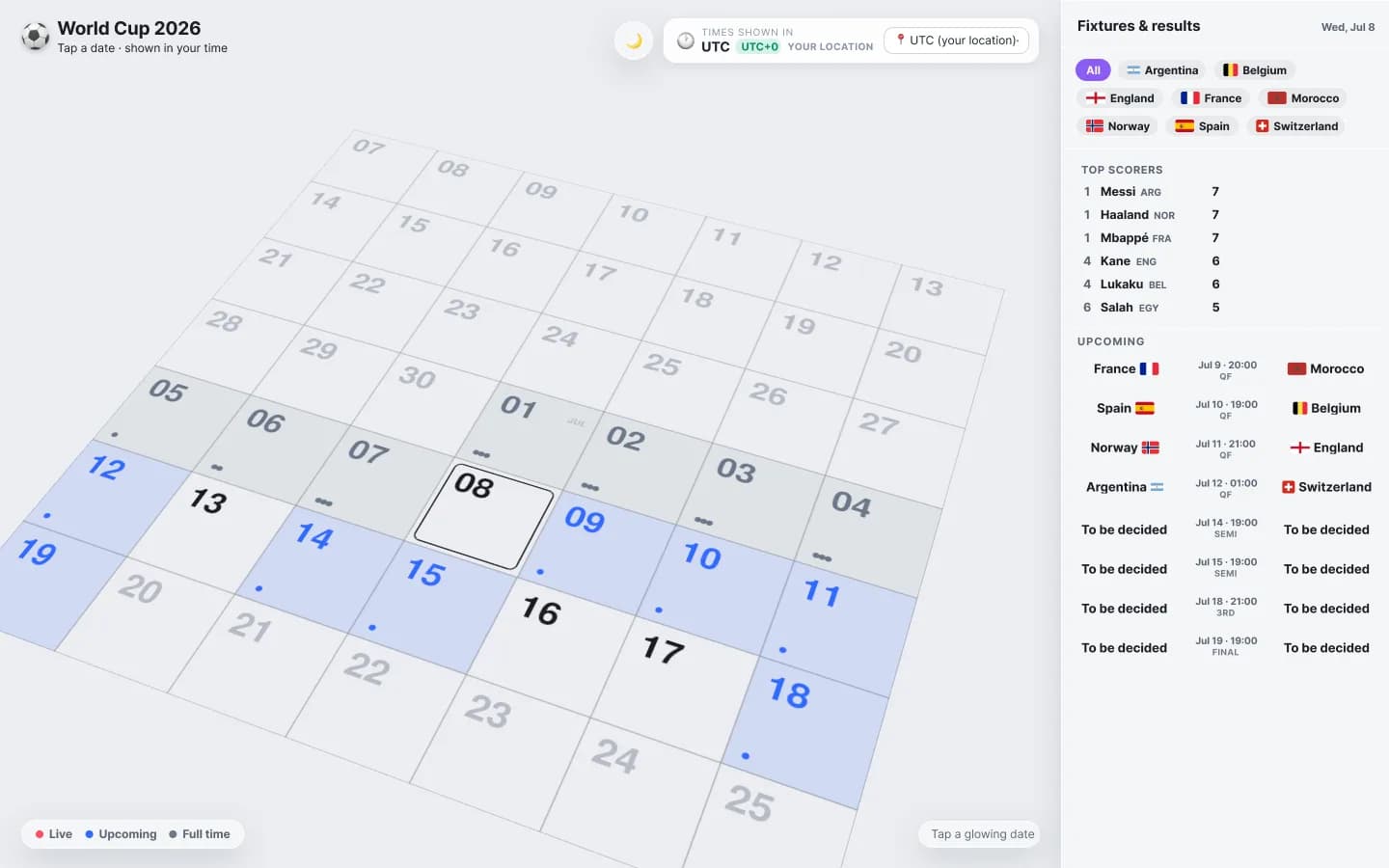
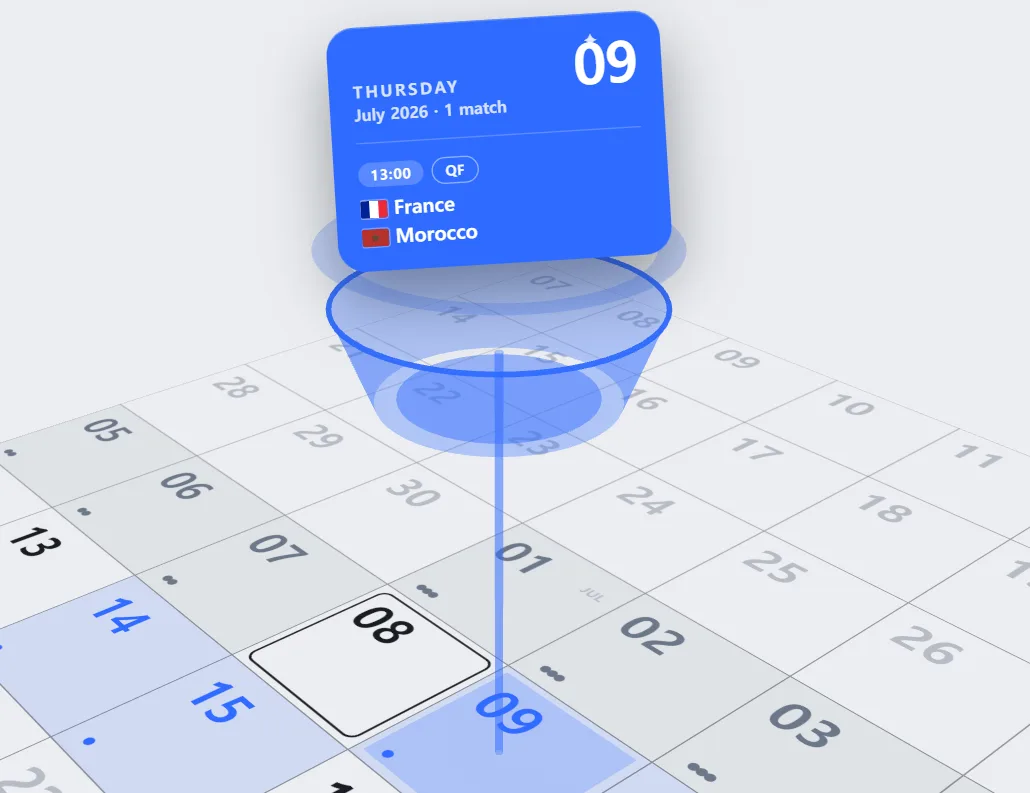
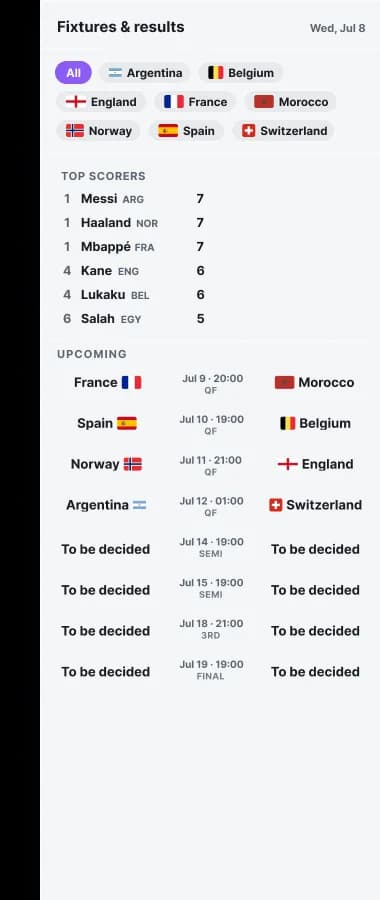
The experience is built around a familiar monthly calendar, enhanced with subtle 3D interactions. Selecting a match day elevates the calendar tile to reveal fixture details, while a dedicated sidebar provides live matches, upcoming games, and quick access to followed teams.
Light and dark themes, national flags, and a layout that folds down neatly on a phone.
Behind the Scenes
At the heart of the experience is automatic time localization. Every fixture is stored as a single universal kickoff time and converted to the viewer's local time when the page loads, meaning the same match can appear on different dates around the world.
Because fixture schedules are known in advance, the application requests live score updates only during active matches. By avoiding unnecessary polling outside kickoff windows, it reduces API usage and server load while maintaining a fast, real-time experience.
The full tournament schedule is stored locally, allowing the calendar to work offline. Live scores are loaded separately when available, ensuring the core experience remains reliable even without a network connection.
Detailed 3D stadium models are loaded when available, while simplified placeholders provide a seamless fallback. This approach balances visual quality with performance, keeping the experience fast across different devices and network conditions.
React 19 · TypeScript · Vite 6 · react-three-fiber / drei / three.js · Framer Motion · Luxon · SCSS · Vercel serverless